API Reference
Authentication
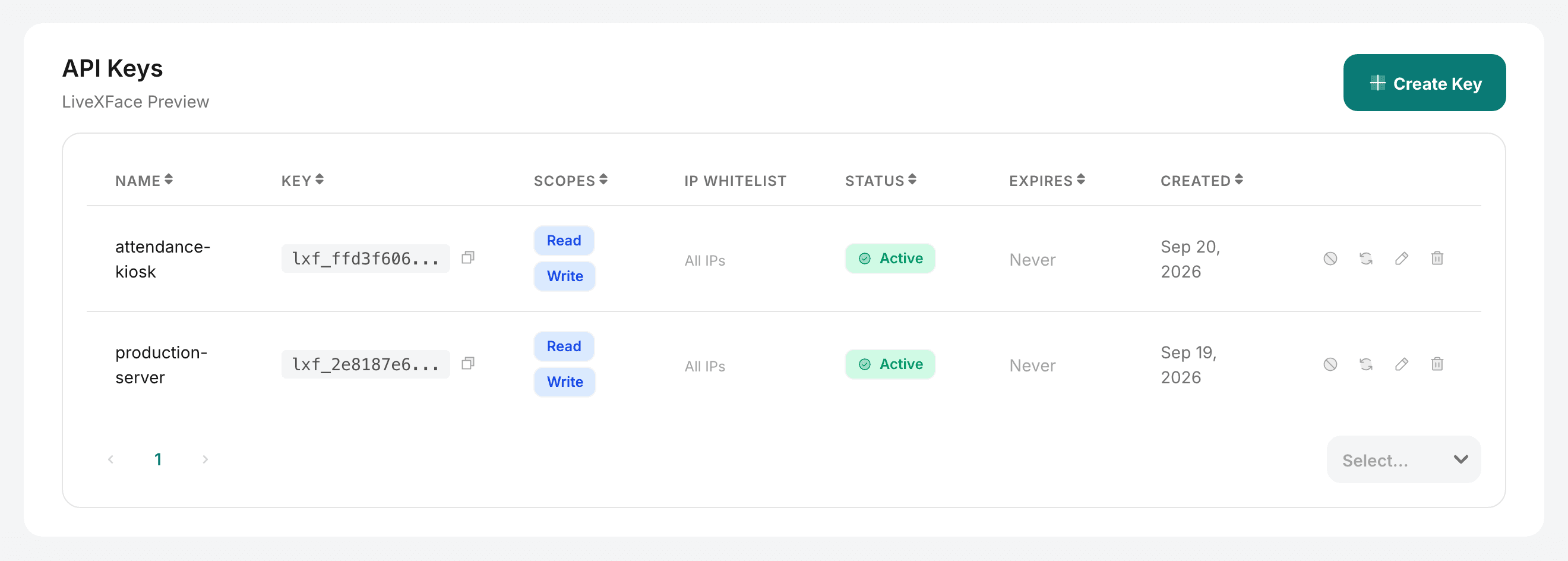
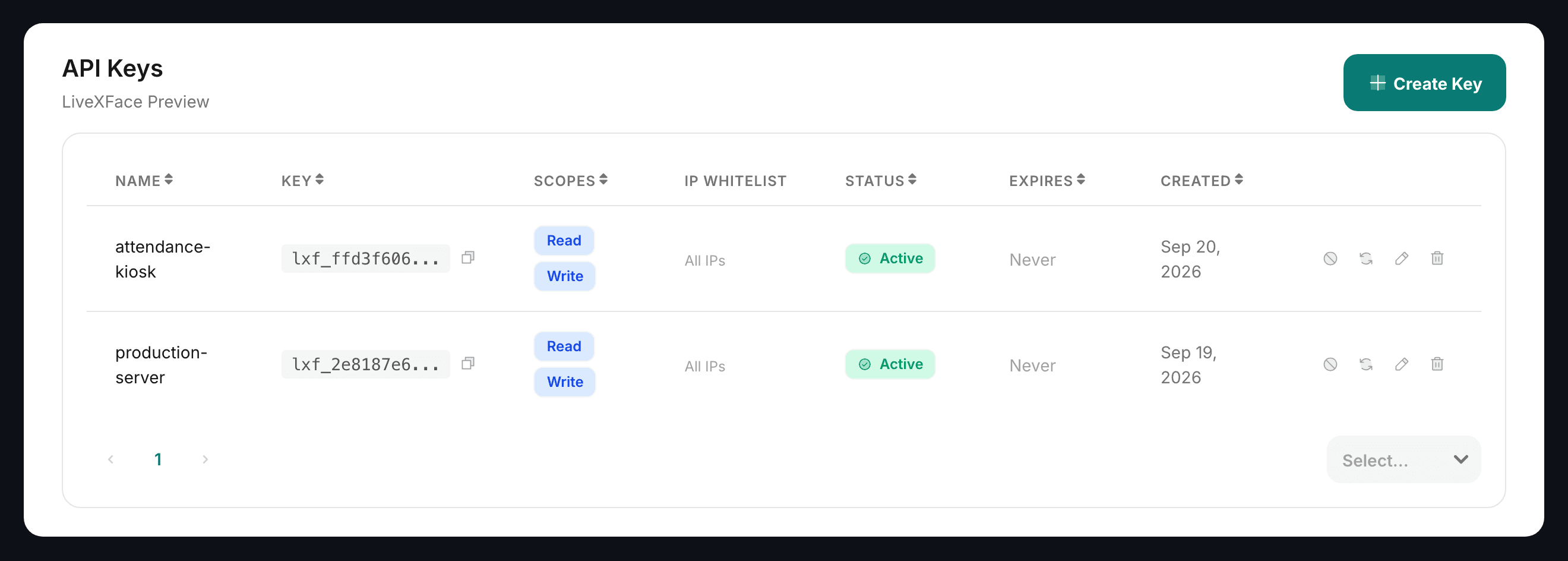
Every call your application makes carries one thing: an API key, in the X-API-Key header. There is no login step, no token to refresh and no session to keep alive.
Sending a key
curl -X POST https://api.livexface.com/api/v1/collections/COLLECTION_ID/identify \
  -H "X-API-Key: lxf_a1b2c3d4_e5f6g7h8i9j0k1l2m3n4o5p6" \
  -F "[email protected]"
A key does not expire on its own. It stops working when you revoke it, when you set an expiry and that date passes, or when the request breaks one of the restrictions below.
What a key is allowed to do
Three things narrow a key, and each has its own error code, so a 403 tells you which one you hit.
| Restriction | Set in the console | Error when broken |
|---|---|---|
| Scopes | face:read for lookups, face:write to enroll or delete. Both by default. | INSUFFICIENT_SCOPE |
| Collections | Restrict a key to named collections. Unrestricted by default. | COLLECTION_NOT_ALLOWED |
| IP whitelist | Addresses or CIDR ranges. Empty allows any address. | IP_NOT_ALLOWED |
Give each integration its own key with the narrowest scope it can work with. A kiosk that only identifies people needs face:read, and a key that cannot enroll cannot be used to plant a face.
IP whitelisting
A whitelisted key answers only to the addresses you list. Anything else gets 403 with IP_NOT_ALLOWED, whether or not the key itself is valid — so a leaked key is useless off your network.
{
  "name": "production-server",
  "scopes": ["face:read"],
  "allowedIps": ["203.0.113.0/24", "198.51.100.42"]
}Rate limiting
The limit belongs to your organization: all its API keys share one budget, at your plan's rate (see API keys for the numbers). It is counted per calendar minute and comes back in full at the start of the next one. A key can be given a lower limit of its own, for example so a kiosk cannot use up the whole budget, but not a higher one.
HTTP/1.1 429 Too Many Requests
Retry-After: 12
X-RateLimit-Limit: 100
X-RateLimit-Remaining: 0
X-RateLimit-Reset: 1790362860

{
  "success": false,
  "error": {
    "code": "RATE_LIMIT_EXCEEDED",
    "message": "rate limit exceeded: 100 requests per minute; try again in 12 seconds"
  },
  "requestId": "0c772a2c-af02-413e-9ef0-c7da186d724d"
}
Retry-After is in seconds and is worth reading rather than guessing. Every successful response carries the X-RateLimit-* headers too, so you can slow down before you hit the limit.
A 503 with code SERVICE_BUSY is different: your limit is fine, but the recognition engine is saturated for a moment. It also sends Retry-After; treat it the same way. See Error Codes for a backoff that handles both.
Rotating a key
Regenerating a key issues a new value and keeps its name, scopes and restrictions. The old value stops working immediately, so deploy the new one first and regenerate after — not the other way round.