API Reference
Collections
A Face Collection is an isolated group of enrolled faces. API keys are scoped to a single collection, keeping your different applications or tenants completely separated.
Managing collections in the dashboard
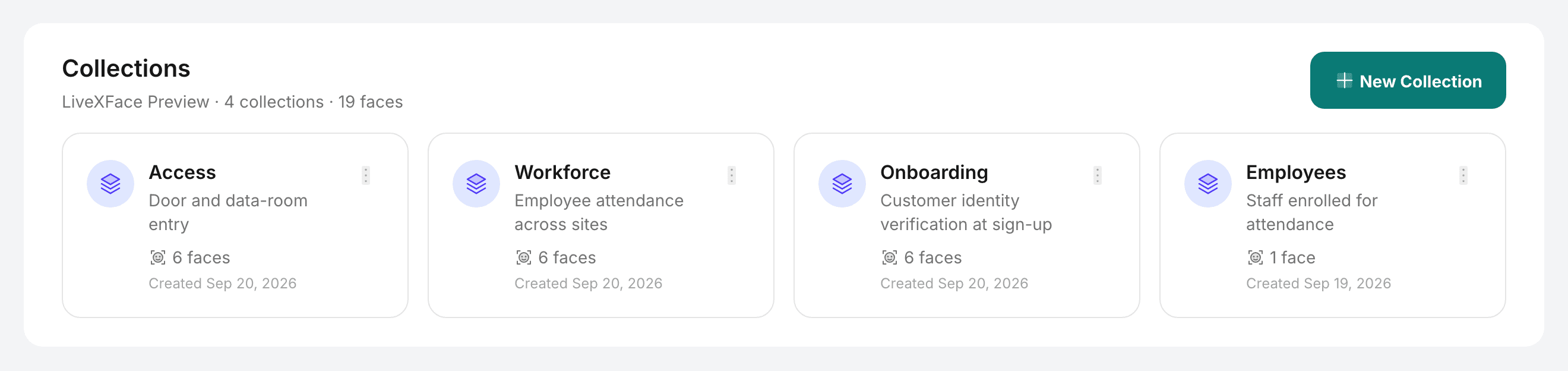
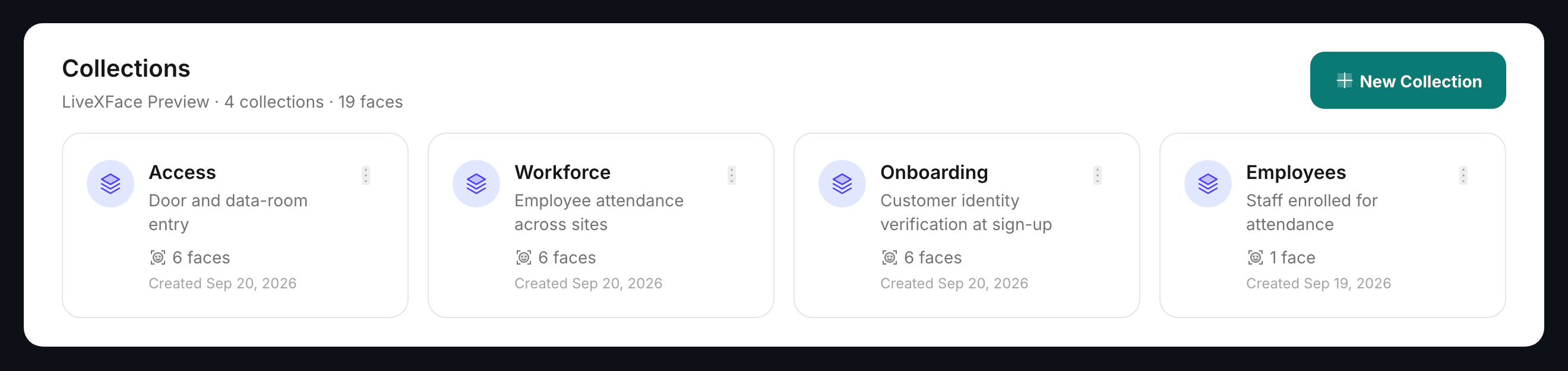
- Create: Go to Collections → New Collection. Provide a name and optional description.
- List / view: The Collections page shows all collections with face count and creation date.
- Update: Open a collection and click Edit to rename or update the description.
- Require liveness at enrolment: refuses faces captured from a screen or a held-up photo. Switch it on for collections people enrol into themselves; leave it off for ones built from existing photos. See Liveness at enrolment.
- Delete: Permanently removes the collection and all enrolled faces. This action is irreversible.
What your application needs
After creating a collection in the dashboard, your application only needs the Collection ID (visible on the collection detail page) and an API key scoped to that collection. Store both as environment variables:
LIVEXFACE_API_KEY=lxf_a1b2c3d4_e5f6g7h8i9j0k1l2m3n4o5p6
LIVEXFACE_COLLECTION_ID=9f1c2b7e-3d84-4a16-8c55-0b7e2a1d6f30
That's all your application needs. It never touches collection management endpoints directly.
Collection limits by plan
| Plan | Max collections | Faces per collection |
|---|---|---|
| Free | 1 | 50 |
| Startup | 5 | 25,000 |
| Enterprise | Unlimited | 250,000 |
Need more collections or higher face limits? Upgrade your plan from the dashboard billing page.