API Reference
Webhooks
Webhooks let you receive real-time HTTP notifications when events happen in your organization: a face is enrolled, an identification succeeds, or a liveness check fails. LiveXFace sends a POST request to your endpoint with a JSON payload describing the event.
Registering a webhook endpoint
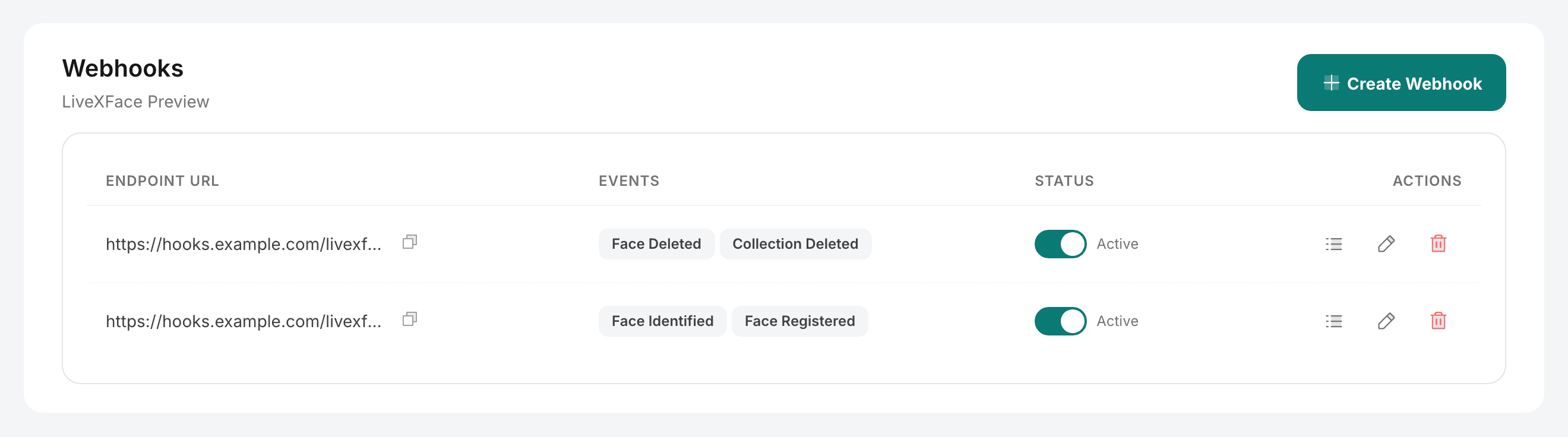
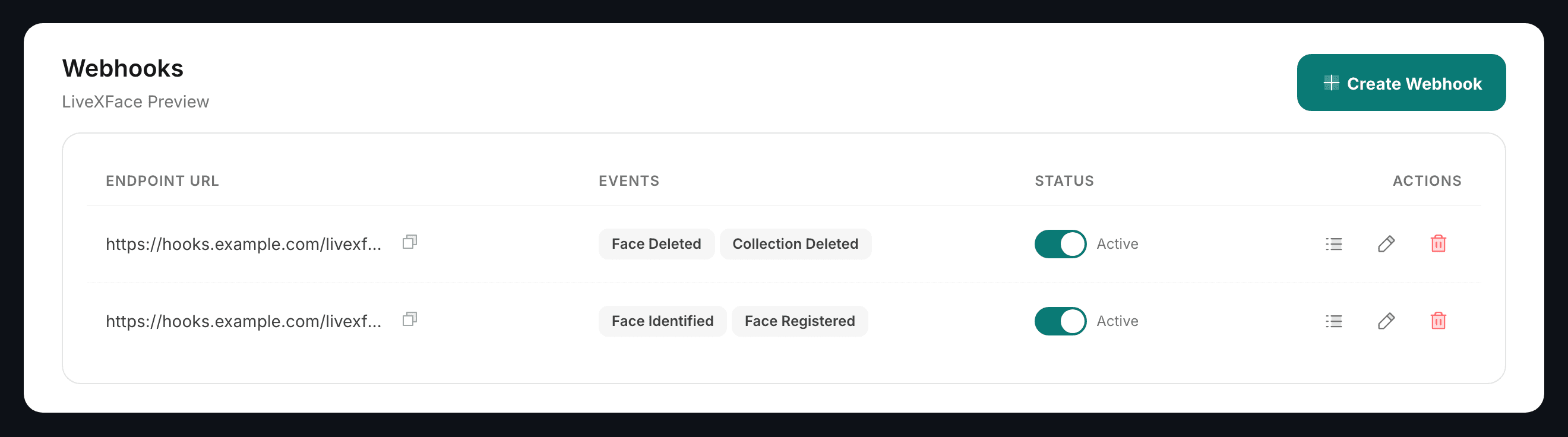
Webhooks are registered from the dashboard under Webhooks → Create Webhook. Webhook management endpoints are CORS-restricted to the dashboard and cannot be called from external applications.
When registering, provide:
- URL: The HTTPS endpoint on your server that will receive events.
- Events: Select which event types to subscribe to (see the table below).
- Secret: Generated for you when the webhook is created and shown once, on that screen. Copy it then — it is what you check the signature against, and it is not displayed again. If it is lost or may have leaked, rotate it (see below).
Event types
| Event | Trigger |
|---|---|
| face.registered | A face was enrolled into a collection. |
| face.identified | A 1:N search found at least one match above the threshold. |
| face.verified | A 1:1 check ran. Read data.match for the outcome — a non-match fires this event too. |
| face.deleted | A face was removed from a collection. |
| collection.created | A collection was created. |
| collection.deleted | A collection was deleted. |
| member.invited | Someone was invited to the organization. |
| member.removed | Someone was removed from the organization. |
| api_key.created | An API key was issued. |
| api_key.revoked | An API key was revoked. |
Webhook payload structure
{
  "id": "0c772a2c-af02-413e-9ef0-c7da186d724d",
  "event": "face.identified",
  "organizationId": "8b1f4d2a-51c7-4f9e-9a3b-6d0e5c4a7b21",
  "timestamp": "2026-09-20T11:22:33Z",
  "data": {
    "faceId": "dc3e7a57-22d5-4271-b707-213e49c8fe54",
    "externalId": "user_alice_001",
    "collectionId": "9f1c2b7e-3d84-4a16-8c55-0b7e2a1d6f30",
    "confidence": 0.97,
    "totalMatches": 1,
    "queryTimeMs": 42
  }
}
Signature verification
Every webhook request includes a signature header so you can verify it came from LiveXFace and not a third party. The signature is a HMAC-SHA256 of the raw request body using your webhook secret.
X-Webhook-Event: face.identified
X-Webhook-Signature: sha256=a1b2c3d4e5f6...
Content-Type: application/json| Header | Description |
|---|---|
| X-Webhook-Event | The event name, so you can route without parsing the body first. |
| X-Webhook-Signature | HMAC-SHA256 of the raw request body, prefixed with sha256=. Sent only when the webhook has a secret. |
Verify the signature in your webhook handler:
import crypto from 'crypto'

function verifyWebhook(rawBody, signature, secret) {
  const expected = crypto
    .createHmac('sha256', secret)
    .update(rawBody)
    .digest('hex')
  return crypto.timingSafeEqual(
    Buffer.from(signature.replace('sha256=', ''), 'hex'),
    Buffer.from(expected, 'hex')
  )
}

// Express handler
app.post('/webhooks/livexface', express.raw({ type: 'application/json' }), (req, res) => {
  const sig = req.headers['x-webhook-signature']
  if (!verifyWebhook(req.body, sig, process.env.WEBHOOK_SECRET)) {
    return res.status(401).send('Invalid signature')
  }
  const event = JSON.parse(req.body)
  console.log('Event:', event.event, event.data)
  res.sendStatus(200)
})
Rotating the secret
Use Rotate secret on the webhook in the console when the secret is lost or may have leaked. You get a new one, shown once. The old secret stops working at that moment: every delivery after it is signed with the new one, so put the new secret on your receiving server straight away.
Retries and delivery
A delivery counts as successful when your endpoint answers with a 2xx inside 10 seconds. Anything else — a non-2xx status, a timeout, a DNS or TLS failure, a refused connection — is a failure and is retried.
There are up to four attempts in total, spaced one second, two seconds and four seconds apart. The whole sequence is over in about seven seconds, so retries cover a brief blip, not an outage. After the fourth attempt the delivery stops and is recorded with its last status code and response body, which you can read under Webhooks → Deliveries in the console.
Because retries are fast and few, treat your handler as the durable part: acknowledge with a 2xx as soon as you have the payload, and do the slow work afterwards. Events carry an id, so store it and ignore a repeat.
Manage webhooks
| Method | Path | Description |
|---|---|---|
| GET | /api/v1/organizations/{org_id}/webhooks | List webhooks |
| POST | /api/v1/organizations/{org_id}/webhooks | Create a webhook. The secret is returned once, here only. |
| PATCH | /api/v1/organizations/{org_id}/webhooks/{webhook_id} | Update the URL, events or active flag |
| POST | /api/v1/organizations/{org_id}/webhooks/{webhook_id}/rotate-secret | Replace the signing secret. The new one is returned once; the old one stops working immediately. |
| DELETE | /api/v1/organizations/{org_id}/webhooks/{webhook_id} | Delete a webhook |
| GET | /api/v1/organizations/{org_id}/webhooks/{webhook_id}/deliveries | Delivery history for one webhook |